
PewDiePie Setup: The Gear Behind His YouTube Success
If you want to build a successful channel, studying the PewDiePie setup is the perfect place to start. Many creators want to know which camera, microphone, and accessories helped Felix Kjellberg create one of the biggest YouTube channels in history. While expensive equipment alone never guarantees success, high-quality recording gear can dramatically improve the viewer experience
PewDiePie, whose real name is Felix Kjellberg, proved that consistency, creativity, and gradual investment in better equipment can transform a small gaming channel into a global entertainment brand. Over the years, he upgraded his studio step by step, improving video quality, audio clarity, lighting, and editing efficiency.
In this guide, you’ll discover the story behind his success, how his recording setup evolved, and which Amazon accessories can help you build a similar home studio without spending a fortune.
Who Is PewDiePie?

PewDiePie started uploading videos to YouTube in 2010 with a simple goal: entertain people while playing video games. At that time, he had limited equipment, a small audience, and no guarantee of success.
Unlike many creators who focused only on production quality, PewDiePie built his audience through personality. His energetic reactions, authentic humor, and ability to connect with viewers made every video feel personal.
As his subscriber count increased into the millions, he didn’t stop improving. Instead, he reinvested his earnings into upgrading his recording studio, purchasing better cameras, microphones, lighting, monitors, and editing hardware.
Today, his channel has influenced an entire generation of content creators and remains one of the most recognized brands on YouTube.
The Early Days of YouTube
pewdiepie setup
One of the biggest lessons from PewDiePie’s journey is that he did not start with a professional studio.
His first videos were recorded using basic equipment that many beginners could afford. The lighting was simple, the camera quality was average, and the editing style was minimal.
However, he understood something that many new creators overlook:
Content comes first. Equipment comes second.
Instead of waiting until he could afford expensive gear, he focused on uploading consistently and learning from every video.
As revenue from YouTube increased, he upgraded one piece of equipment at a time.
This gradual approach is much smarter than buying an expensive setup before building an audience.
Why Equipment Matters for aPewDiePie Setup
Although personality attracts subscribers, professional equipment improves the viewing experience.
Good equipment provides several important advantages:
- Clear audio that is easy to understand
- Sharper video quality
- Better color accuracy
- Professional-looking lighting
- Faster editing workflow
- More comfortable recording sessions
These improvements encourage viewers to watch longer, increasing watch time—a key factor in
YouTube’s recommendation system.
For this reason, many successful creators invest in equipment that improves production quality while maintaining their unique style.
How the PewDiePie Setup and Studio Evolved
As his channel became more successful, PewDiePie transformed his recording room into a modern creator studio.
Instead of changing everything at once, he upgraded his workspace gradually.
The PewDiePie setup studio eventually included:
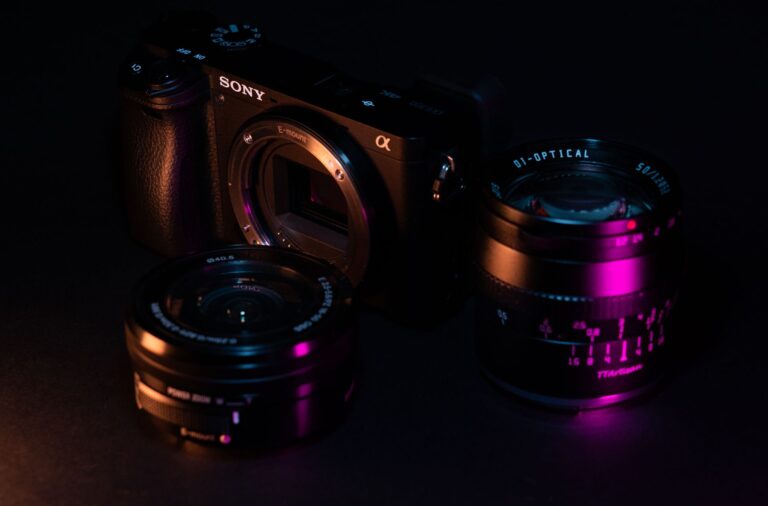
- A high-quality mirrorless camera
- Professional microphones
- LED lighting
- Large monitors
- Comfortable gaming chair
- Adjustable microphone boom arm
- Powerful editing computer
- Acoustic improvements
- Organized cable management
Each upgrade made recording easier and improved the overall quality of his videos.
This strategy demonstrates an important principle:
Upgrade your setup only when it helps you create better content like pewdiepie-setup
Camera Gear in the PewDiePie Setup
A camera is often the first piece of equipment viewers notice.
PewDiePie has used several cameras throughout his YouTube career as technology improved, moving from basic webcams to high-end mirrorless cameras like the Sony Alpha 7S III and the Blackmagic Pocket Cinema Camera 4K.
A good creator camera offers:
- Sharp Full HD or 4K recording
- Reliable autofocus
- Natural colors
- Excellent low-light performance
- High frame rates
Fortunately, beginners don’t need to spend thousands of dollars.
Many affordable mirrorless cameras now provide outstanding image quality suitable for YouTube, streaming, and blogging.
Audio Gear in the PewDiePie Setup
Professional creators know that audio quality is even more important than video quality.
Viewers are willing to watch average video if the sound is excellent.
However, poor audio causes many viewers to leave within seconds.
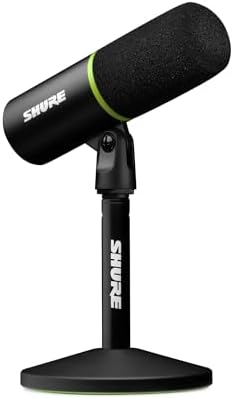
The PewDiePie setup upgraded from basic microphones to professional recording equipment that delivers pristine sound. Over the years, he famously relied on high-end microphones like the AKG C414 XLII and the Shure SM7Bto ensure premium broadcast qualit
- Clear voice reproduction
- Reduced background noise
- Rich vocal tones
- Consistent recording quality
For beginners, investing in a quality USB microphone is often the best first upgrade.
Lighting in the PewDiePie Setup
.Lighting can completely change how a video looks. A closer look at the PewDiePie setup shows that even an expensive camera performs poorly in bad lighting, which is why proper illumination is key
Professional lighting offers:
- Softer shadows
- Better skin tones
- Improved color accuracy
- Cleaner backgrounds
- Professional appearance
Many creators use LED panels because they are affordable, adjustable, and energy efficient.
If you’re recording at home, proper lighting can improve your videos more than buying a new camera.
For his videos, PewDiePie has famously used high-end softbox lights and the popular Elgato Key Light panels. These LED panels allow creators to easily adjust brightness and color temperature directly from their PC, making them a staple in modern gaming setups.
Best Amazon Accessories Inspired by the PewDiePie Setup
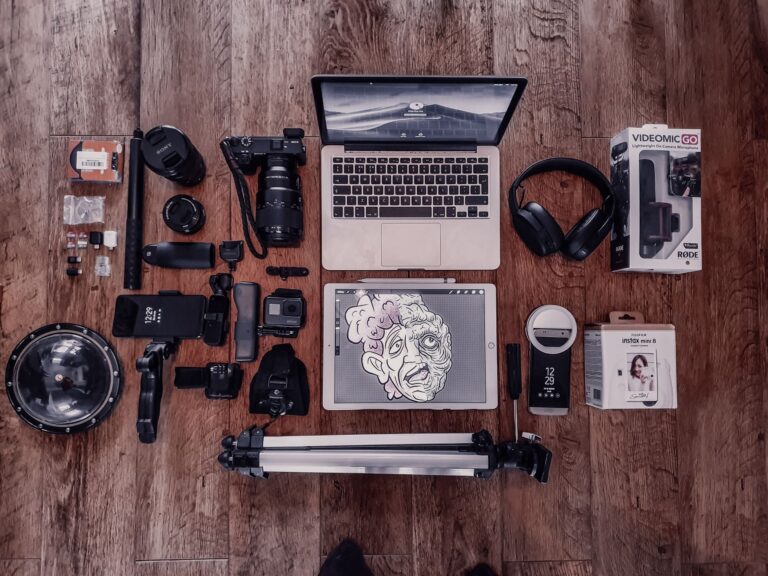
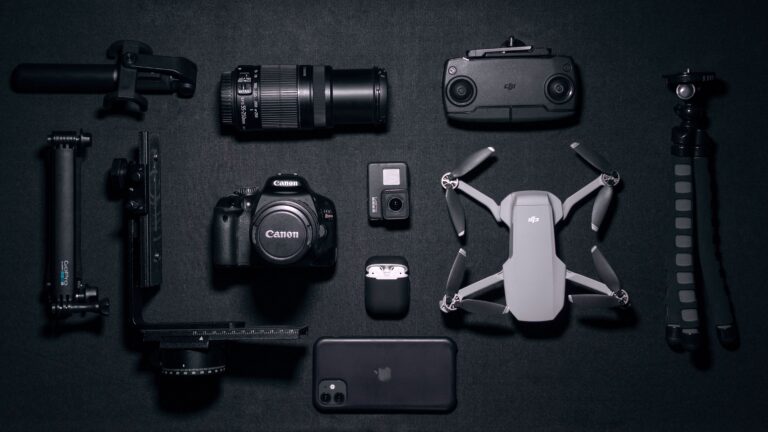
One of the smartest ways to build a professional-looking YouTube studio is to upgrade your equipment gradually. You don’t need the exact products used by PewDiePie. Instead, focus on accessories that deliver excellent value for your budget.
Essential Accessories for your Studio
1. USB Condenser Microphone
A quality USB microphone is one of the best investments for new creators. Clear audio improves viewer retention and makes your videos sound more professional.
Popular options include the Blue Yeti or the Fifine K669B.
Recommended Features
- Plug-and-play USB connection
- Noise reduction
- Cardioid pickup pattern
- Adjustable gain control
2. LED Video Light Kit
Good lighting creates a cleaner image, reduces shadows, and improves your camera’s overall performance.
A great budget choice is the Neewer LED Video Light panel.
Look for lights with:
- Adjustable brightness
- Adjustable color temperature
- Soft diffusion
- Stable light stand
3. Camera Tripod
A stable camera instantly improves production quality.
An excellent option for beginners is the Amazon Basics camera tripod
Choose a tripod with:
- Adjustable height
- Smooth pan head
- Lightweight aluminum frame
4. Boom Arm
A microphone boom arm keeps your desk clean while positioning the microphone close to your mouth for better sound quality .
The RØDE PSA1 or a budget-friendly InnoGear arm are excellent choices.
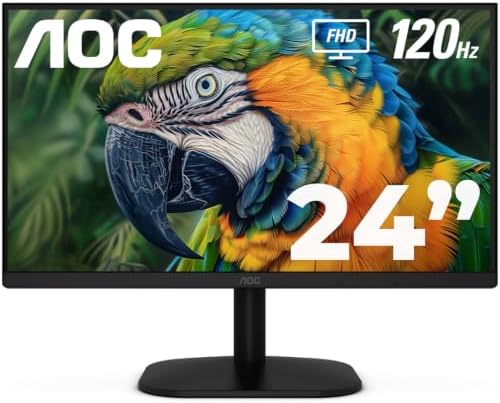
5. Dual Monitor Setup
Two monitors can dramatically increase editing productivity.
Adding a second budget 1080p monitor from brands like Acer or ASUS can change your workflow
Benefits include:
- Faster editing
- Easier multitasking
- Better timeline management
- Improved workflow
6. Cable Management
Using simple velcro straps or a cable management tray under your desk makes a huge difference
Professional studios always look clean.
Simple cable clips, sleeves, and organizers make your setup look organized while improving airflow and reducing distractions.
Budget-Friendly Alternatives to the PewDiePie Setup
Beginner Studio (Under $500)
Ideal for creators starting their YouTube journey.
Suggested equipment:
- USB microphone
- LED ring light
- Full HD webcam
- Adjustable tripod
- Basic editing laptop


Intermediate Studio (Around $1,000)
Perfect for creators publishing videos consistently.
Suggested upgrades:
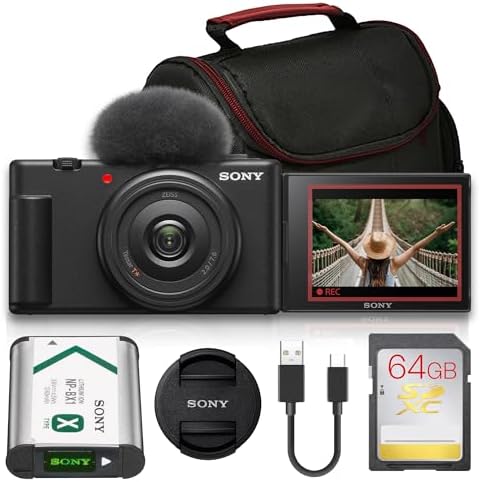
- Mirrorless camera
- LED panel lights
- External microphone
- Second monitor



Advanced Studio ($2,000+)
Designed for full-time content creators.
Typical setup:
- Professional mirrorless camera
- Premium microphone
- Audio interface
- High-performance editing PC
- Dual monitors
- Professional lighting
- Acoustic treatment




Lessons Every Creator Can Learn from PewDiePie Step
PewDiePie’s journey teaches several valuable lessons that apply to every content creator:
- Start with what you have.
- Publish consistently.
- Upgrade your equipment gradually.
- Focus on improving your storytelling.
- Audio quality matters more than expensive cameras.
- Create a comfortable workspace that encourages consistency.
- Reinvest in your content as your channel grows.
Frequently Asked Questions (FAQ)
What camera does PewDiePie use?
He has used different cameras over the years as his studio evolved. Rather than focusing on one specific model, it is more helpful to choose a modern mirrorless camera that fits your budget and recording needs.
What microphone is best for beginners?
A USB condenser microphone is an excellent starting point because it offers high-quality audio
wi thout requiring additional recording equipment.
Is expensive equipment necessary?
No. As shown in the PewDiePie setup history, consistency and content quality are far more important than expensive gear when starting out.
Great content, consistency, and audience engagement are far more important than owning expensive gear.
Professional equipment simply helps present your ideas more effectively.
Can I build a similar studio on a budget?
Absolutely.
Many affordable accessories available on Amazon can help you create professional-looking videos without spending thousands of dollars.
Final Thoughts
The PewDiePie Setup is more than a collection of cameras and microphones. It represents years of continuous improvement, learning, and reinvesting in content quality.
PewDiePie didn’t become one of YouTube’s because t creators because he bought expensive equipment. He succeeded because he consistently created entertaining content while improving his production quality over time.
Whether you’re starting a blog, launching a YouTube channel, or building a home recording studio, remember that every small upgrade contributes to a better viewer experience.
Start with the essentials, focus on creating valuable content, and improve your setup as your audience grows.